Always visible when you need it
Keep Horivo fullscreen, in a mini window, or above other apps while you work.
 Horivo
Horivo turns your Mac into a polished flip clock, focus timer, countdown, and stopwatch without accounts, analytics, or clutter.
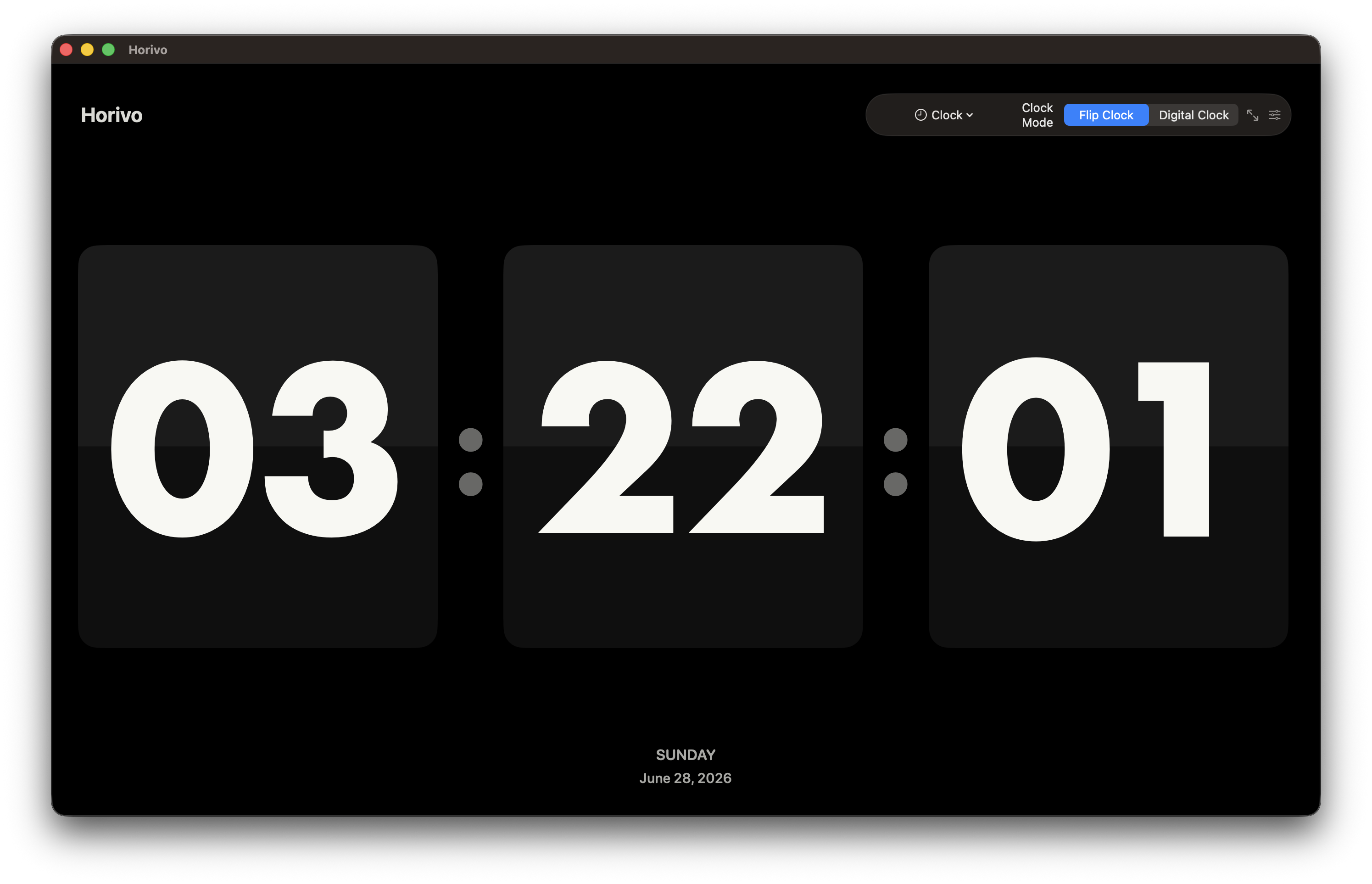
Keep Horivo fullscreen, in a mini window, or above other apps while you work.
Prevent display sleep, launch at login, and open from the menu bar.
No account, no analytics, no cloud sync. Your settings stay on your Mac.
Switch between a calm desk clock and practical timers without leaving the same native Mac experience.
Use a large flip clock or a clean digital display with optional seconds, date, and weekday.
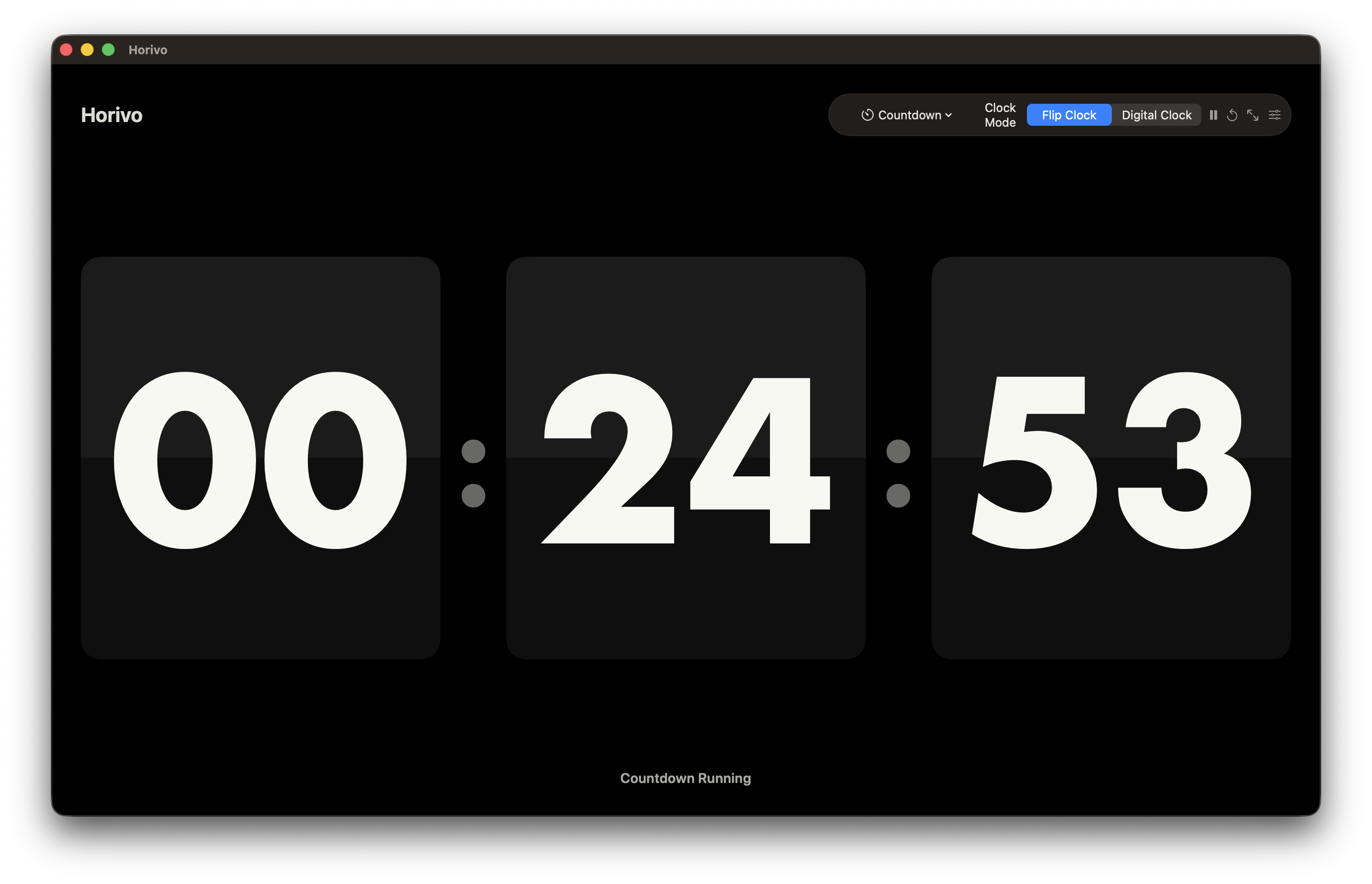
Run work and break sessions with a clear timer that stays visible.
Set a target duration for meetings, routines, study blocks, and live sessions.
Track elapsed time with a minimal, distraction-free stopwatch.
Each preview updates with matching copy and localized Horivo screenshots.
Large calm clock for the desk
Native macOS controls stay visible
Local settings, no account required
Switch the site and Horivo previews instantly. Every language keeps the same calm Mac experience.
Horivo
Preview text, buttons, and screenshots in your selected language.
Horivo is local-first: no accounts, no analytics, no cloud sync. The full Privacy Policy and Terms now open as separate pages.
Download Horivo for macOS and keep your clock, focus sessions, countdowns, and stopwatch one glance away.
Download on the Mac App Store